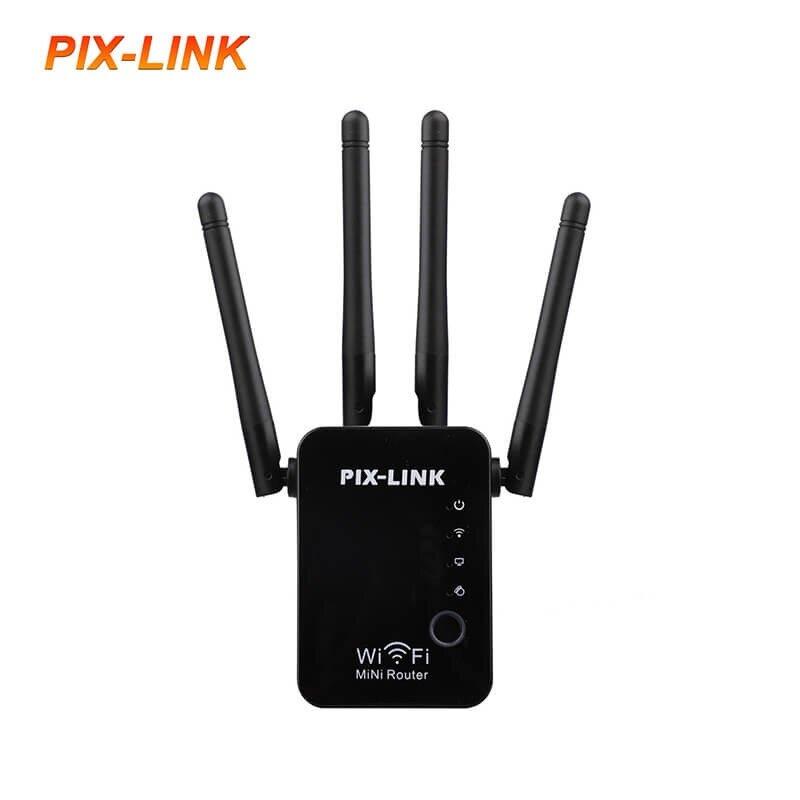
Quick Setup Guide
Connection: Plug the device into a power outlet near your router. Connect your phone or PC to the WiFi network named SSID-XXXXX (found on the device sticker).
Access Interface: Open a web browser and enter http://192.168.7.1 (or setup.pix-link.net). The default login password is admin.
Configuration:
Select Repeater Mode.
Scan for your existing WiFi network and select it.
Enter your existing WiFi password and click Apply.
Placement: Once configured, move the repeater to a location halfway between your router and the dead zone.
Technical Specifications
Wireless Speed: Up to 300Mbps on the 2.4GHz band.
Antennas: 4 external high-gain antennas for 360-degree coverage.
Ports: 1 WAN port and 1 LAN port (10/100Mbps) for wired connections.
Modes: Supports Router, Repeater (Relay), AP (Access Point), WISP, and Client modes.
Security: Supports WPA/WPA2 and WPA-PSK/WPA2-PSK encryption.
Key Features
WPS Button: Allows for one-tap secure connection if your main router supports WPS.
Smart LED Indicators: Displays signal strength to help find the optimal placement.
Universal Compatibility: Works with any standard IEEE 802.11b/g/n wireless router or access point.